Purchase
Further information can be found in our purchasing FAQ.
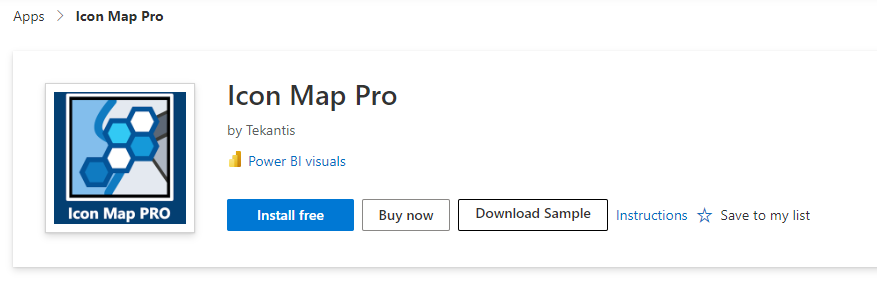
To purchase Icon Map Pro navigate to Icon Map Pro on Microsoft AppSource and click the "Buy Now" button.
Plan
Select the appropriate plan for the number of users you wish to purchase.
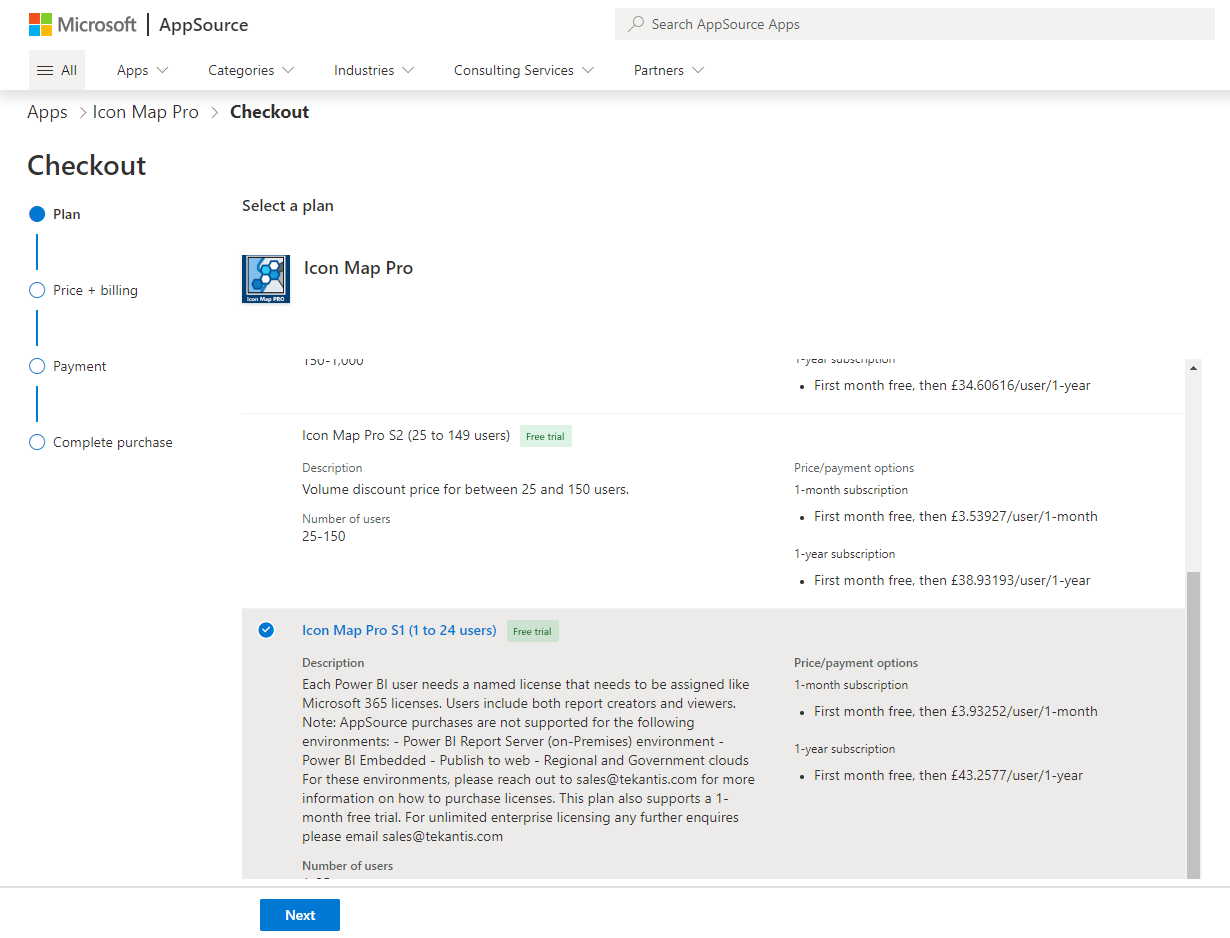
and click "Next".
Price + billing
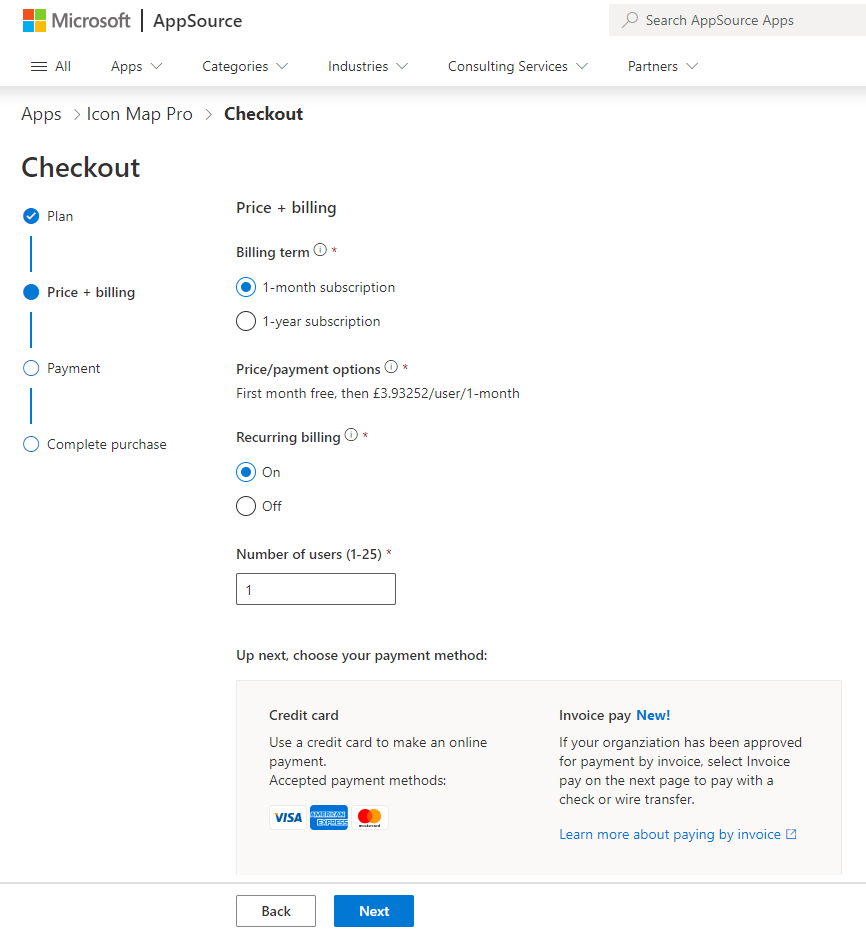
Then select whether to pay monthly or annually.
Payment
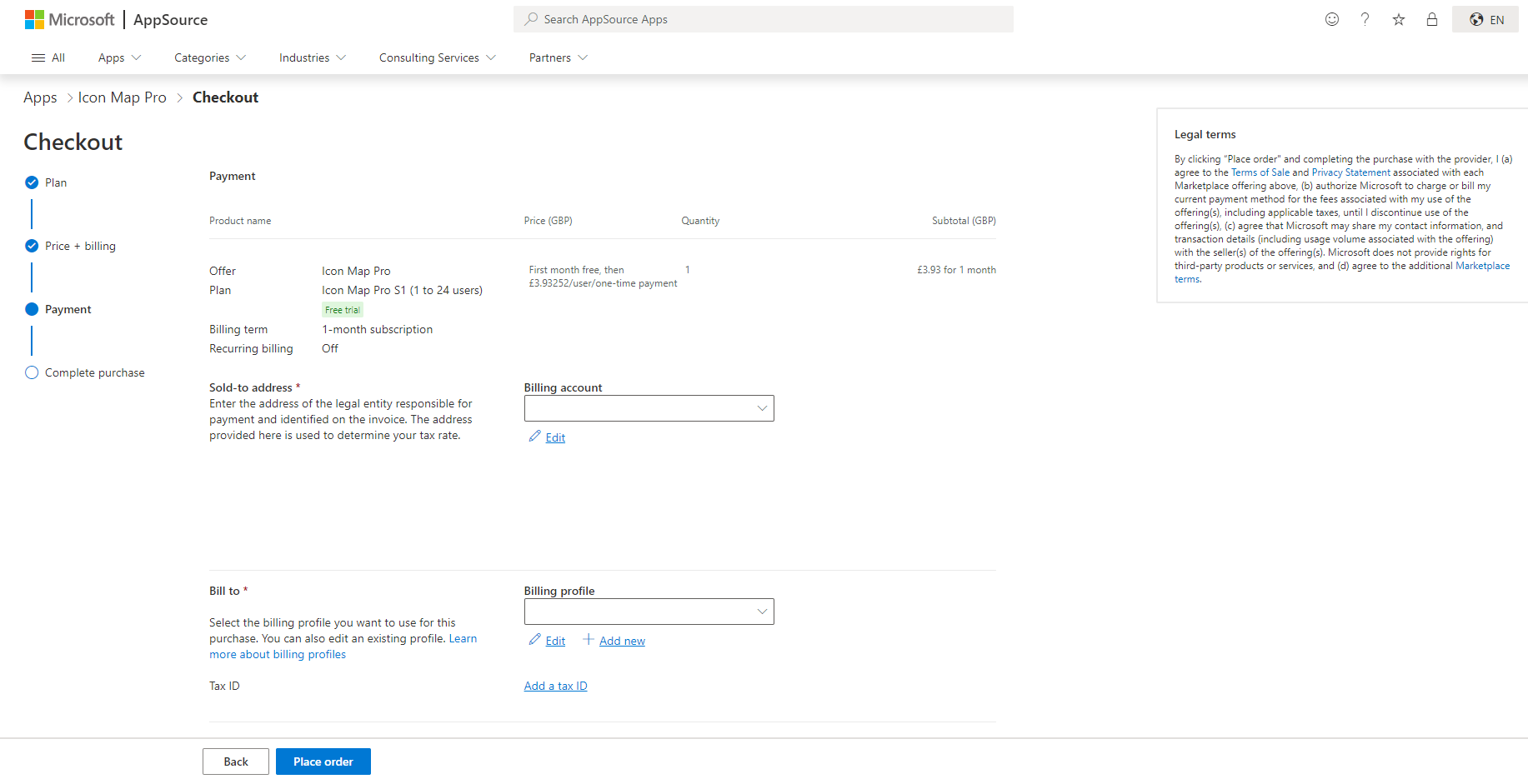
Complete your payment details, and click "Place Order".
Complete purchase
You should then receive a confirmation of your order.
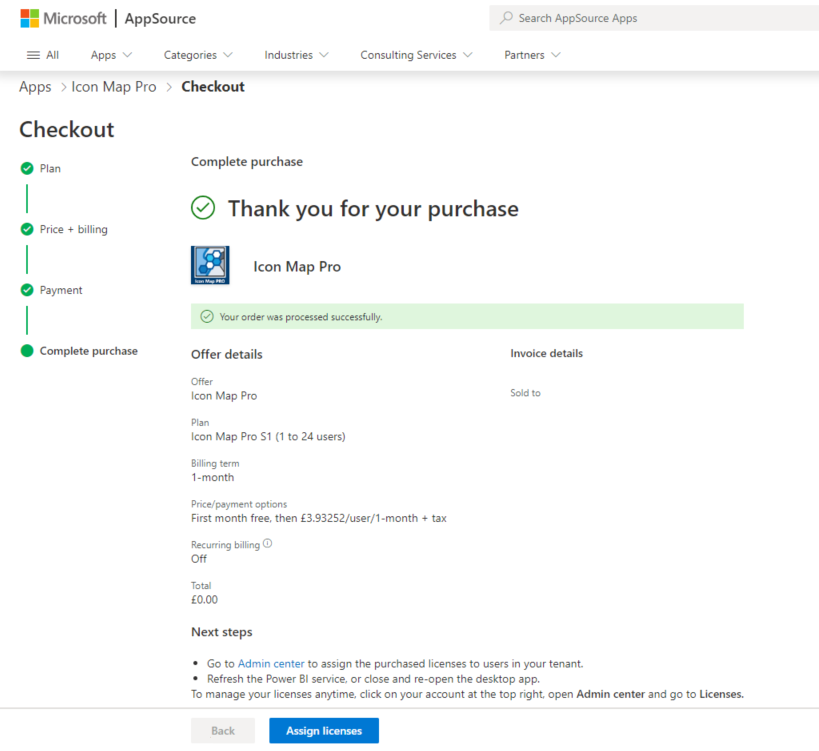
Once purchased you need to assign the licenses to users in the Office 365 Admin center. Clicking the Assign licenses will take you to the appropriate page. You may need to speak to an administrator to perform this action.
Assign Licenses
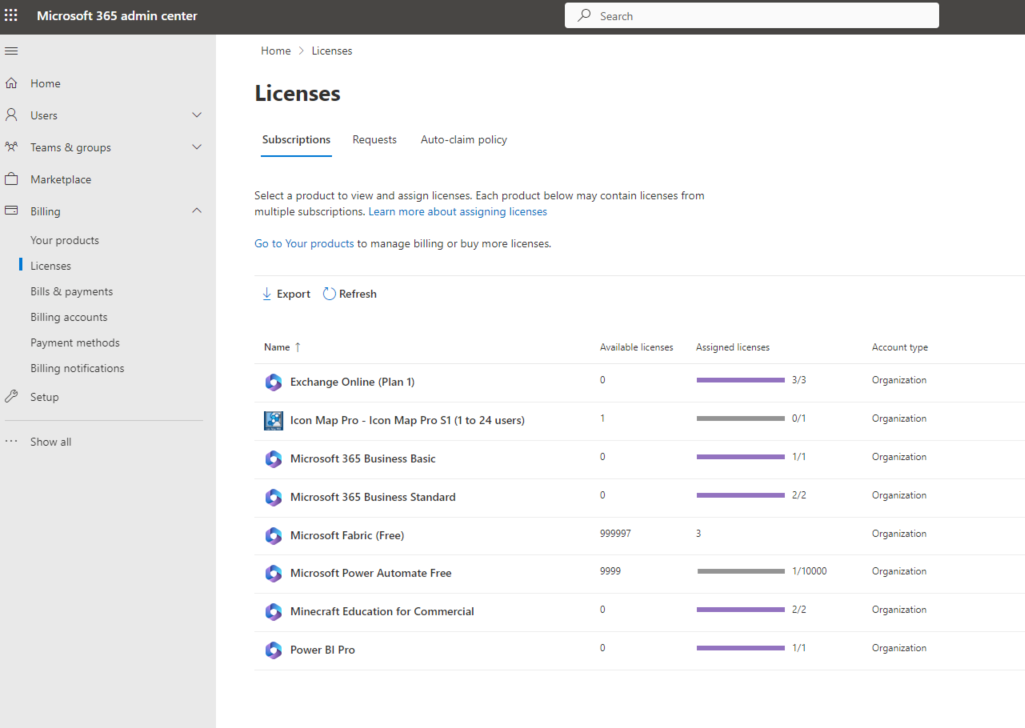
Click on the Icon Map Pro entry to start the process of assigning licenses.
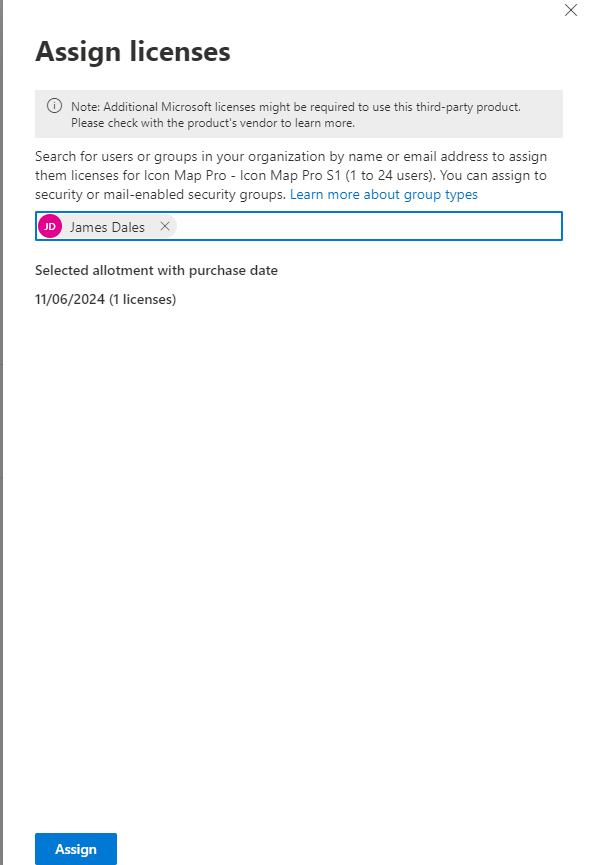
Enter the email address or group names to assign licenses to, then click the "Assign" button.
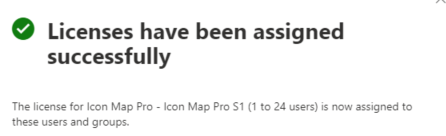
Once assigned, you may need to restart Power BI Desktop, or log in and out of the Power BI service.